
Table of Contents
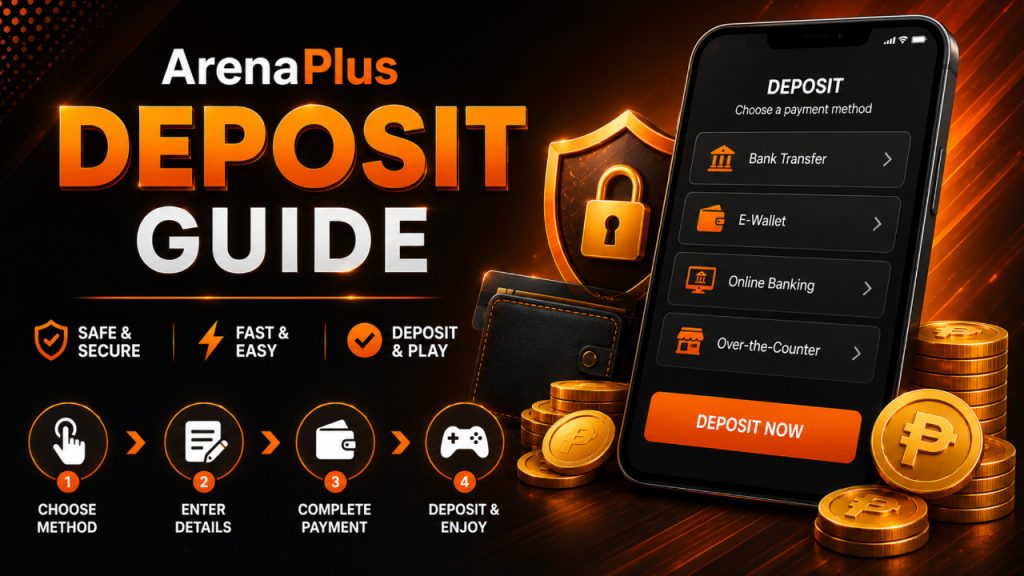
Funding your ArenaPlus account takes a few taps, but knowing your limits and options upfront saves you a failed transaction later. Here’s everything you need: accepted payment methods, minimum and maximum deposit amounts, fees, and how long each method takes to reflect.
Payment methods accepted on ArenaPlus
ArenaPlus supports the payment methods Filipino players already use day to day:
- E-wallets: GCash and Maya
- Bank transfers: BDO, BPI, UnionBank, and Metrobank
- Other channels: Pay&Go
- Cards: Major debit and credit cards
Not every method is available to every account — what you see depends on your location and your account’s verification level. Check the Cashier section in your account for the exact options and limits tied to your profile.
Minimum and maximum deposit amounts
Your first deposit has a minimum of ₱500. After that, minimums for subsequent deposits can vary slightly depending on which payment method you use.
The maximum deposit is ₱50,000 per transaction. If you need to fund your account with more than that, you’ll need to split it across multiple transactions.
For the exact limit tied to your selected payment channel, check the Cashier section before you deposit — it’s the fastest way to confirm the number that applies to you specifically.
Are there deposit fees?
ArenaPlus doesn’t charge a fee for depositing. That said, your bank or e-wallet provider might apply its own transaction charge on their end, so it’s worth checking with GCash, Maya, or your bank if you want to confirm the exact amount that will leave your account.
How long does a deposit take to reflect?
Most deposits made through e-wallets or cards reflect instantly. Bank transfers can take anywhere from a few minutes up to a couple of hours, depending on your bank’s own processing times.
My deposit hasn't shown up — what do I do?
First, check your payment method’s transaction history to confirm the funds actually left your account. If the transaction is confirmed on your end but hasn’t reflected in your ArenaPlus balance after about an hour, contact ArenaPlus support and have your reference number ready — it speeds up the lookup significantly.
Why was my deposit declined?
First, check your payment method’s transaction history to confirm the funds actually left your account. If the transaction is confirmed on your end but hasn’t reflected in your ArenaPlus balance after about an hour, contact ArenaPlus support and have your reference number ready — it speeds up the lookup significantly.
Claiming a deposit bonus
If you want to use a deposit-linked promotion, opt in from the Promotions page before you make the deposit — bonuses aren’t applied retroactively. Once you’ve opted in, a qualifying deposit will have the bonus credited automatically.
A few things worth knowing before you opt in:
- Not every payment method qualifies for every promotion — some e-wallets or cards are excluded, so check each promo’s terms first.
- Bonus funds typically come with a wagering requirement: a set number of times you need to wager the bonus before it becomes withdrawable. The exact multiplier is listed in that promotion’s terms and conditions.
Treat bonus terms as something to read in full, not skim — they determine whether the bonus is actually usable for how you plan to play.
Quick transaction reference guide
Minimum deposit (first)
₱500
Maximum deposit
₱50,000 per transaction
Deposit fee
None from ArenaPlus (provider fees may apply)
E-wallet/card processing
Instant
Bank transfer processing
Minutes to a couple of hours
Methods
GCash, Maya, bank transfer (BDO, BPI, UnionBank, Metrobank), Pay&Go, cards
Frequently asked questions
Can I deposit using GCash or Maya?
Yes. Both are supported — select your preferred e-wallet on the Deposit page and follow the prompts to complete the transfer.
What's the minimum deposit amount?
₱500 for your first deposit. Limits on later deposits can vary slightly by payment method, so check the Cashier section for the number tied to your account.
What's the maximum I can deposit in one transaction?
₱50,000. Larger amounts need to be split across multiple transactions.
Is there a fee for depositing on ArenaPlus?
No fee from ArenaPlus itself. Your bank or e-wallet provider may charge its own transaction fee, so it’s worth checking with them directly.
How long does a deposit take to show up in my balance?
E-wallet and card deposits are usually instant. Bank transfers can take a few minutes up to a couple of hours, depending on your bank.
Do all deposit methods qualify for bonuses?
Most do, but some promotions exclude certain e-wallets or cards. Always check the specific promotion’s terms before you deposit.
ArenaPlus is a PAGCOR-licensed sportsbook open to players aged 21 and above. Gambling does not guarantee earnings or financial gains — always have a game plan and play within your means. If you’d like tools to manage your play, visit ArenaPlus’s Responsible Gaming page, or contact PAGCOR at (02) 8522-0299 / www.pagcor.ph/regulatory/responsible-gaming.php. Gambling can be addictive — know when to stop.