
How to deposit on ArenaPlus
Add funds to your account in a few steps, and see the methods, limits and fees before you start.
Deposit in four steps
- Log in and open the cashier
Tap Deposit from your account menu.
- Choose a method
Pick the payment method you’ll also withdraw to.
- Enter the amount
Check the minimum and your deposit limit.
- Confirm
Approve the payment in your app. Funds usually show within minutes.
Methods, limits and timing
The cashier always shows the current limits for your account.
| Method | Minimum | Maximum | Credited in | Fees |
|---|---|---|---|---|
| GCash | ₱500 | ₱50,000 | Instant | No ArenaPlus fee |
| Maya | ₱500 | ₱50,000 | Instant | No ArenaPlus fee |
| Bank transfer (BDO, BPI, UnionBank, Metrobank) | ₱500 | ₱50,000 | A few minutes to a couple of hours | No ArenaPlus fee |
| Pay&Go | ₱500 | ₱50,000 | Check the cashier | No ArenaPlus fee |
Minimum shown is for your first deposit; later minimums can vary by method. Maximum is per transaction. Your bank or e-wallet may charge its own fee.
If something goes wrong
Deposit not showing
E-wallet deposits usually show instantly; bank transfers can take a couple of hours. Still missing after an hour? Contact support with your reference number.
Payment declined
Usually not enough funds, an expired card, or account details that don’t match the payment method. Try again or use another method.
Wrong amount sent
Contact support with the reference number before playing.
Related guides
All payment guides Payments
GCash vs Maya for Online Casino Payments in the Philippines
See how GCash and Maya compare for online casino payments, including fees, transaction speed, limits, and payment options at ArenaPlus.
Sep 25, 2026 Payments
How to Withdraw From ArenaPlus: KYC, Processing Times and Methods
Check ArenaPlus withdrawal Guide. Learn how to withdraw your winnings, what KYC verification involves, and how long each withdrawal method takes.
Aug 25, 2026 Payments
ArenaPlus Deposit Guide: Payment methods, limits, and how to fund your account
See every ArenaPlus deposit method, minimum and maximum limits, fees, and processing times — plus what to do if a deposit doesn't…
Aug 20, 2026Deposit FAQs
Quick answers, grouped by topic.
Deposits
What deposit methods are available?
ArenaPlus supports various deposit methods, including GCash, Maya, bank transfers (BDO, BPI, UnionBank, and Metrobank), and Pay&Go.
Available deposit methods may vary depending on your location and account verification level.
How do I deposit using GCash?
Follow these steps:
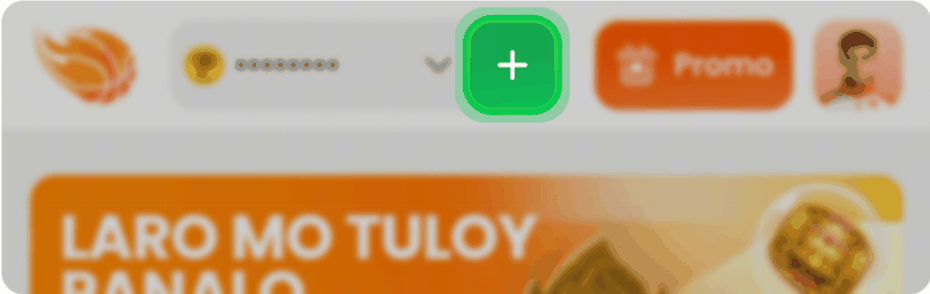
- Tap the + icon or your profile icon in the upper-right corner of the screen.
- Under E-Wallet, select GCash and enter your preferred deposit amount.
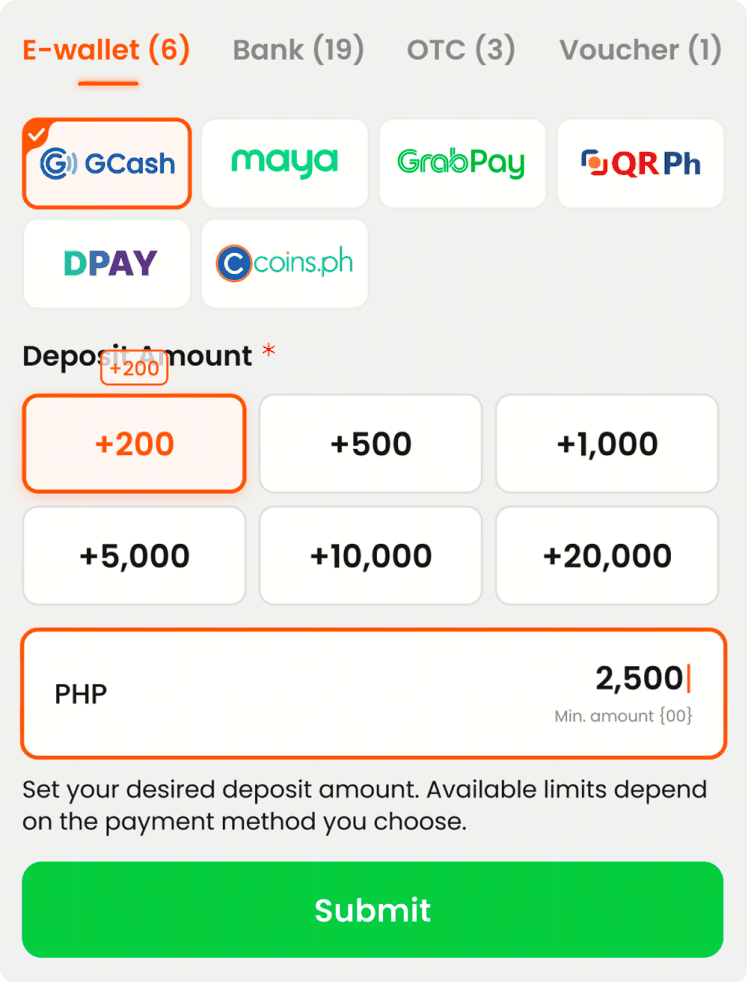
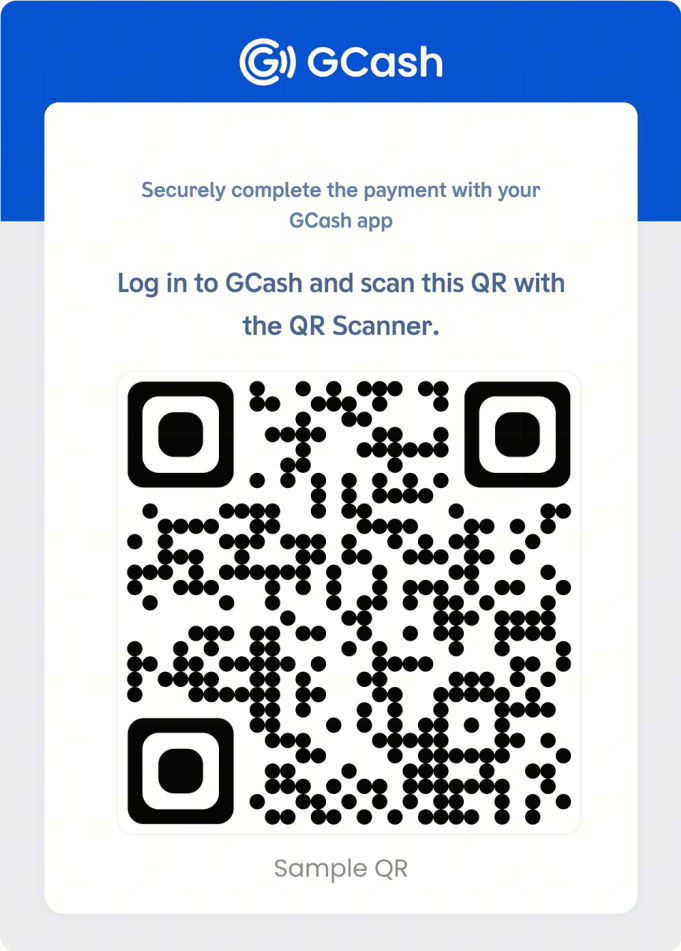
- Tap Submit, then log in to your GCash account and scan the QR code to complete the payment.
How do I deposit using Maya?
Follow these steps:
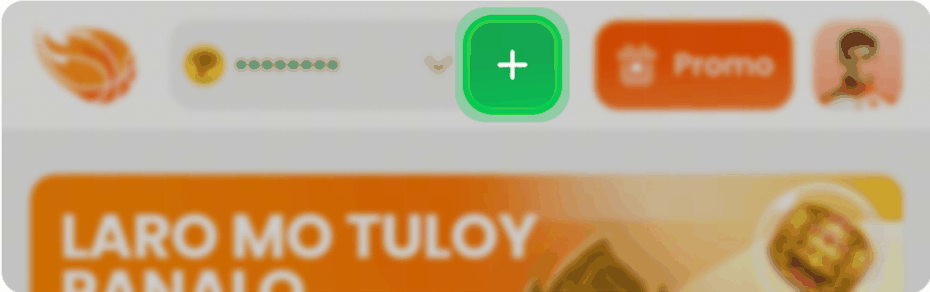
- Tap the + icon or your profile icon in the upper-right corner of the screen.
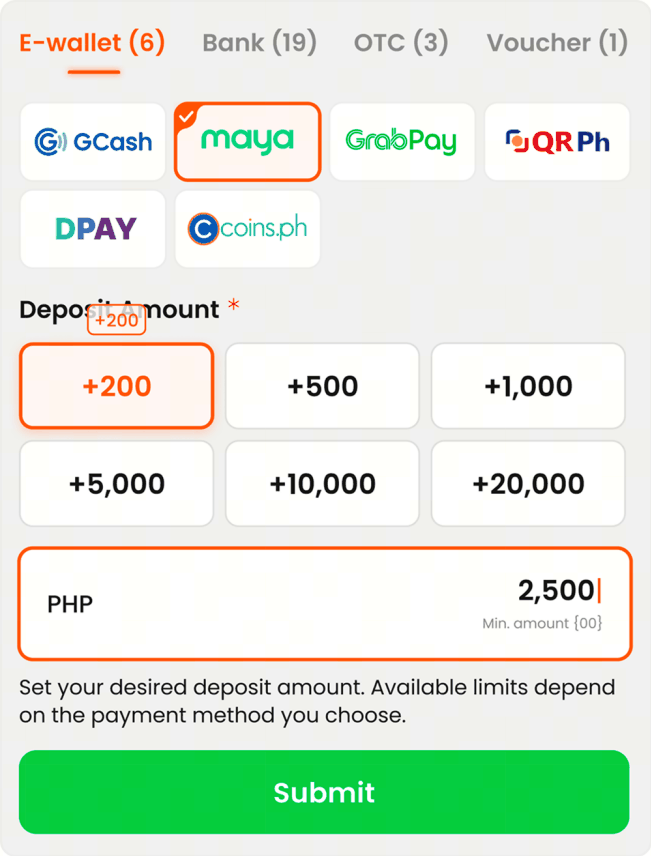
- Under E-Wallet, select Maya, then enter your preferred deposit amount and tap Submit.
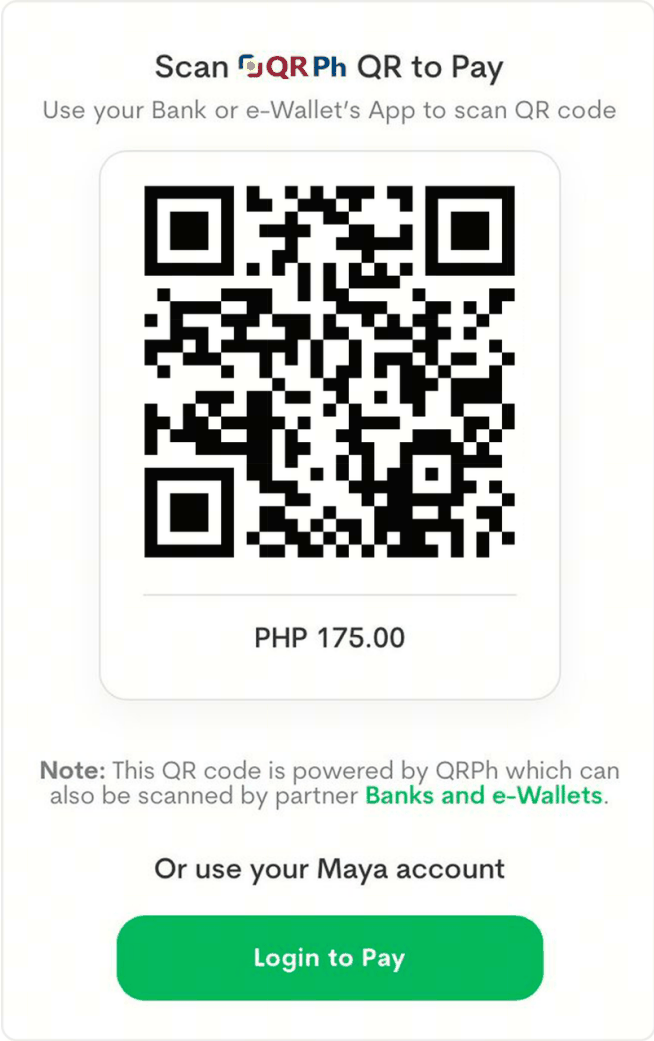
- Complete the payment using one of the following methods:
- Scan the QR code using the Maya app; or
- Tap Login to Pay and sign in to your Maya account.
What is the minimum and maximum deposit amount?
For your first deposit, the minimum amount is ₱500. Deposit limits for subsequent deposits may vary depending on the payment method. The maximum deposit amount is ₱50,000 per transaction.
Check the Cashier section for the limits applicable to your selected payment channel.
How long does a deposit take to reflect?
Most deposits made through GCash and Maya are reflected instantly or within a few minutes.
Deposits made through banks or over-the-counter payment channels may take longer to process, depending on the provider.
If your deposit has been deducted but has not been credited to your ArenaPlus account after a reasonable period, please contact Customer Support for assistance.
My deposit is still in 'Waiting' status. What should I do?
If your deposit is still showing a Waiting status but the amount has already been deducted from your GCash or Maya account, please contact Customer Support immediately.
To help us investigate your transaction, please prepare the following:
- Payment confirmation or deposit receipt
- Transaction reference number
- Date and time of the transaction
Are there any fees for deposits?
ArenaPlus does not charge any fees for standard deposits. However, your payment provider (e.g., bank, e-wallet) may apply its own charges.
Any applicable fees will typically be displayed before you confirm the transaction.
Set a deposit limit first
Decide how much you can afford to lose before you deposit, and set daily or weekly limits in your account. Never deposit to win back losses.